Fast Charging Cable vs Normal Data Cable: Key Differences
By MIZAZY · 15 November 2026
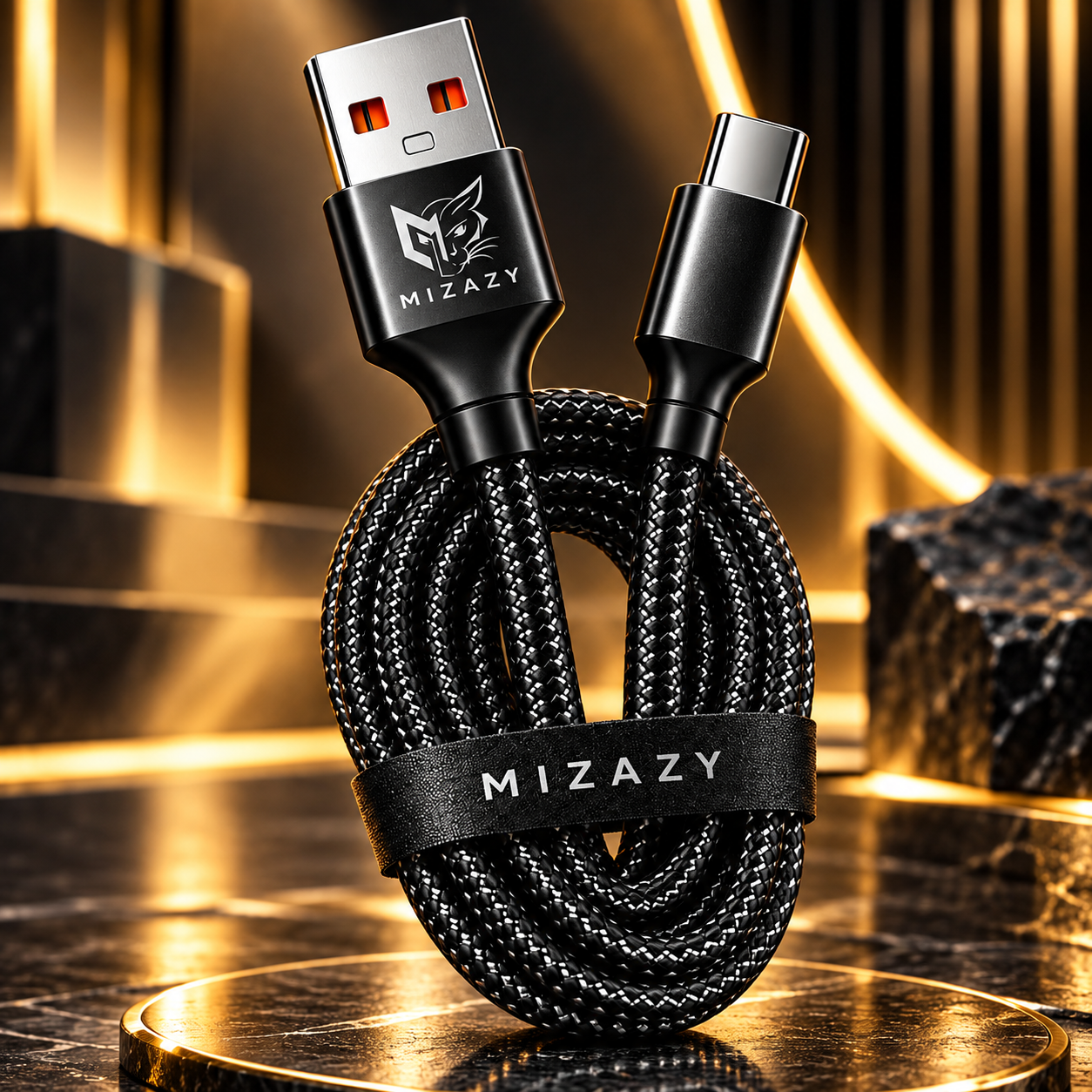
Data Cable
A normal data cable and a fast charging cable can share the same plugs. The difference is the electrical rating and the way the page describes charging, not the shape you see in the photo. A basic lead is often specified around ordinary USB charging. A fast charging data cable is specified for a higher maximum, and it still has to move data.
Mizazy does not list a separate "normal" cable. The 65W, 120W, and 140W cables are all sold as fast charging data cables. This guide uses them to show what those ratings mean, and what they do not guarantee.
Start with the job, not the photo
Shoppers compare cables when a phone charges slowly or a file copy fails. The lead is only one of three parts. The charger and the phone have to agree as well.
Write down the phone port, the charger port, and the maximum the cable page prints. The rest of this article is that comparison.
What people mean by a normal data cable
A normal data cable is the lead people already have in a drawer: USB plugs, enough copper for ordinary 5 volt charging, and a data pair so a computer can see the phone. Many older leads were never rated for the higher voltages used by later fast-charging schemes.
That kind of cable can still be the right spare for a low-power device. It becomes the wrong spare when the phone and charger are trying to negotiate a faster profile and the lead is not specified for it. Slow charging in that case is the cable doing what it was built to do.
What a fast charging cable adds
A fast charging cable is built and labelled for a higher maximum current or wattage. It is still a USB data cable when the listing says data sync. The label does not force the phone to use the full rating.
On Mizazy's pages the 65W cable lists 65W max output, USB-A to Type-C, and USB 2.0 data sync. The 120W cable lists 120W max, the same connector pair, high-speed data sync, a PVC jacket, and a 1 metre length. The 140W cable lists 140W, up to 3A, up to 480Mbps, a 1 metre nylon braid, and reinforced connectors. Those are three different fast-charging listings, not one of them pretending to be a basic lead.
How to read charging wattage
Wattage on a cable is the ceiling the maker prints. It is not the wattage your battery will accept. A handset that tops out at a lower rate will charge at that lower rate on any of these leads.
The wattage printed on a cable does not guarantee that every phone will charge at that wattage. The 65W, 120W, and 140W pages each say the connected charger, the device, and the supported charging technology decide the result. A higher number is a wider ceiling, not a faster phone.
Why the charger and the phone matter
The charger has to offer a profile the phone understands. The phone has to request it. The cable has to be rated to carry what they agree. If any one of the three is the limit, that limit is the speed you see.
None of these Mizazy products includes a wall charger. The box is the cable. Pair one with an adapter you already trust, or read the charger guide when the brick is the open question. The cable cannot invent a protocol the phone does not support.
Data transfer is a separate line
Fast charging and fast data are easy to mix up because both use the word fast. A lead can be rated for a high charging wattage and a modest data rate, or the other way around. Read both lines.
Here they diverge. USB 2.0 is the data standard on the 65W page. High-speed data sync, without a megabit number, is the 120W line. Up to 480Mbps is the 140W line. A larger watt print does not upgrade the data line of the other cables.
Construction still matters
Jacket and connectors decide how the cable survives a bag. They do not change the negotiation between phone and charger. A braid that frays less is still bound by the wattage and data lines printed beside it.
Use the 140W page when you want the nylon braid and reinforced connectors written down. Use the 120W page when you want the PVC jacket, metallic connectors, and the listed over-current and over-voltage protection. Use the 65W page when USB 2.0 is the data line you came to check. The data cable category holds the three listings.
How to select the right cable
Match the plugs first. For these three, that means USB-A on the charger and Type-C on the phone. Then pick the data line you need. Then pick a wattage ceiling at or above what your phone and charger already use. Paying for a higher ceiling does nothing if the phone never asks for it.
If you only need a spare USB 2.0 lead and your charger is modest, the 65W listing is the one that names USB 2.0. If you want a published 480Mbps ceiling and a braid, read the 140W listing and still expect real transfers to vary.
Common misconceptions
The first misconception is that the biggest watt number is the fastest charge for every handset. The second is that a data cable rated for fast charging copies files faster than one that names a data standard. The third is that a new cable fixes a charger the phone does not support.
A normal cable is not defective because it refuses a rate it was never rated for. A fast cable is not defective because a phone stays at its own limit. Compare the printed ratings with the devices you own.
Conclusion
A normal data cable and a fast charging cable part ways on the charging ceiling and on how clearly data is specified. Mizazy's 65W, 120W, and 140W leads are all in the fast-charging group, with different ceilings and different data lines.
Choose from those published lines. Do not expect the number on the jacket to override the phone or the charger.
Questions
Will a 140W cable charge a phone at 140W?
Only if the phone and the charger negotiate that rate. The 140W figure is the maximum listed on the cable. Many phones take less.
Is a higher wattage cable faster at copying files?
Not by itself. Charging wattage and data rate are separate. On these pages, only the 140W cable prints up to 480Mbps.
Do the Mizazy cable boxes include a charger?
No. Each listing is the cable. You supply a compatible adapter.