USB-A to Type-C Cable: Uses, Benefits and Buying Tips
By MIZAZY · 15 November 2026
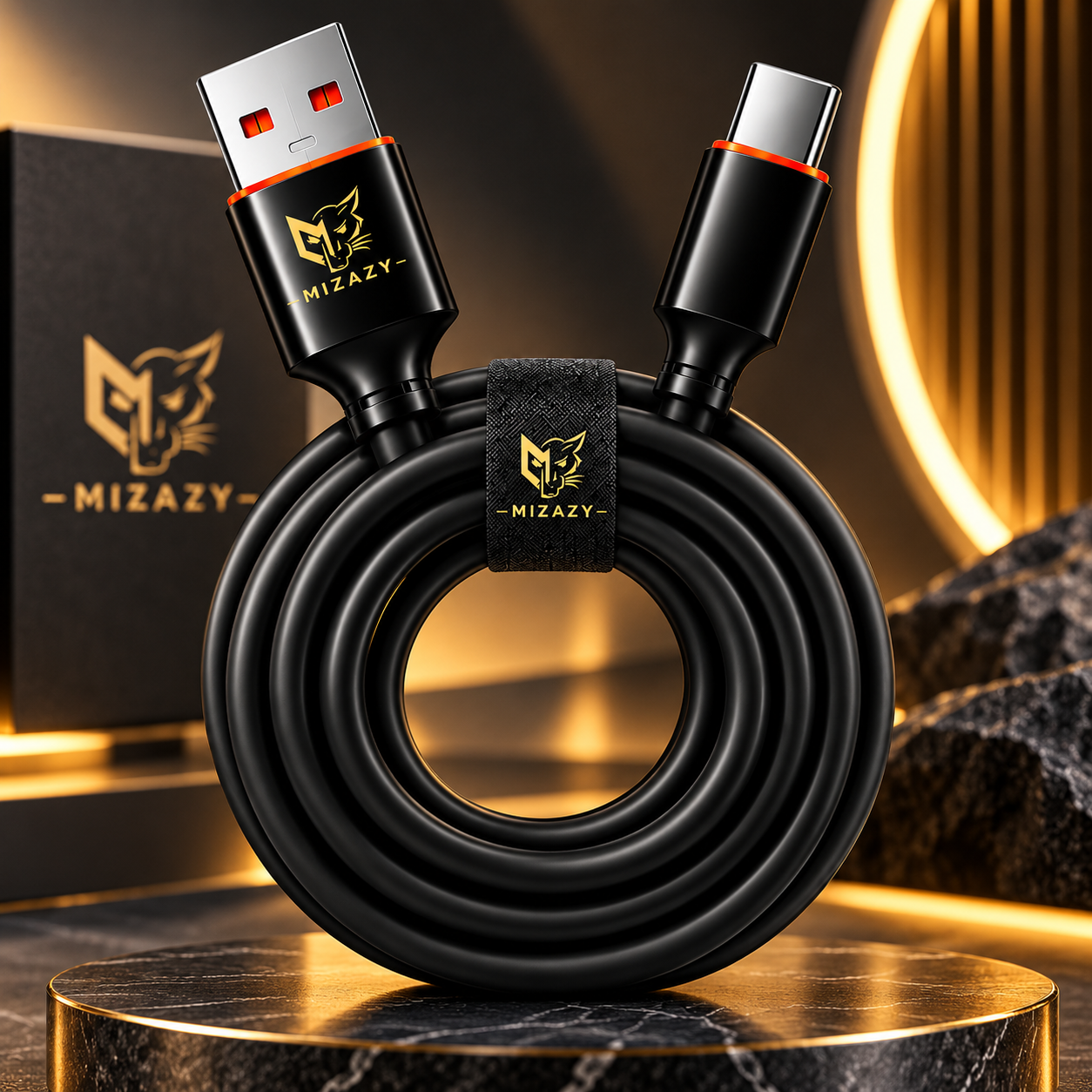
Data Cable
A USB-A to Type-C cable has a rectangular USB-A plug on one end and an oval Type-C plug on the other. You use it when the charger, laptop, or power bank offers USB-A, and the phone offers USB-C. It can charge, and on a data cable it can also sync files.
Mizazy lists three of these cables. The 65W Fast USB Data Cable, the 120W Fast USB Data Cable, and the 140W Fast Charging Data Cable share the connector pair and differ in the specifications printed on each page.
What this cable is
The name describes the plugs, not a speed. USB-A is the older flat connector still common on wall chargers, car chargers, and older laptops. Type-C, also called USB-C, is the reversible oval connector on most current Android phones and on many newer laptops and earbuds cases.
A Type-C charging cable of this kind does not fit a phone that still uses a Lightning port, and it does not fit a charger that only has a USB-C port on the brick. Match both ends to the hardware you already own.
The two connectors
USB-A plugs in one way. Type-C plugs in either way. That difference is mechanical. It does not tell you the wattage or the data rate. Those are separate lines on the product page.
All three Mizazy cables above are listed as USB-A to Type-C. None of them is a USB-C to USB-C cable. If both your charger and your phone are USB-C only, this connector pair is the wrong shape.
Charging and data transfer
A USB data cable is meant to do both jobs: power in one direction, data when the phone and the computer support it. A charge-only lead can look identical and still refuse a file transfer. The Mizazy pages label these three as data cables, with charging and data sync both listed.
The 65W page specifies USB 2.0 for data sync. The 120W page says high-speed data sync and does not print a megabit figure. The 140W page lists up to 480Mbps. Use the number that is actually printed. Do not copy the 480Mbps line onto the other two cables.
Cable compatibility
Compatibility starts with the ports. The phone needs USB-C. The charger or computer needs USB-A. After that, charging speed still depends on the adapter, the phone, and the protocol they share. A cable rating is a maximum the cable is built to carry, not a speed the phone must accept.
Each Mizazy page limits compatibility to devices with the matching ports. The 65W page says compatible Type-C devices. The 120W page says smartphones, tablets, laptops and more, subject to USB-A and Type-C ports. The 140W page says Type-C devices. None of those sentences means every phone.
Length and build
A one metre cable reaches from a desk socket to a phone without a coil of spare lead. Shorter leads travel more easily and tug less. Only buy a length the page states.
The 120W and 140W cables both list a 1 metre length. The 65W page does not publish a length, so this guide will not invent one. Check the 65W product page if length is your deciding line.
Braided and non-braided jackets
A braid is a textile sleeve over the cable. It is a durability and handling choice. It does not raise the wattage. A smooth plastic jacket can still be the right cable if the electrical rating matches your charger.
The 140W cable lists a nylon braid, reinforced connectors, and a tangle-free, knot-resistant design. The 120W cable lists a PVC jacket, metallic connectors, and a tangle-free design, plus over-current and over-voltage protection. The 65W cable lists a durable everyday build and does not list a braid. Choose the jacket from those lines, not from a photo alone.
How to read the wattage
65W, 120W, and 140W are the maximum outputs printed on the three packages. The pages also say the phone, the charger, and the charging technology decide the speed you actually see. A phone that draws 15W still draws 15W on a higher-rated lead.
The 140W page adds a current line of up to 3A. The other two pages do not print that same current figure. Compare like with like, and keep wattage separate from the data-speed line.
What to check before you buy
Look at the charger brick first. If it only has USB-C, stop and get a USB-C to USB-C cable instead. If it has USB-A, a USB-A to Type-C cable is the matching lead for a USB-C phone.
Then read wattage, data wording, length, and jacket. The Mizazy data cable category lists all three so you can open the pages side by side.
Common mistakes
The usual miss is buying the wattage number and ignoring the plug on the charger. The next is assuming a higher watt print means faster file copies. Data rate and charging rate are different specifications.
Another miss is treating every Type-C cable as the same product. These three share a connector pair and then diverge: USB 2.0 on the 65W page, a PVC jacket and 1 metre on the 120W page, nylon braid and up to 480Mbps on the 140W page.
Conclusion
A USB-A to Type-C cable is the right lead when those two ports are the ones you have. Use it for charging and, on these Mizazy listings, for data sync as each page describes it. Let the printed maximum stay a maximum.
Pick the 65W, 120W, or 140W page for the jacket, length, and data line you actually need. If the open question is fast charging versus a basic data lead, that comparison is a separate article.
Questions
Can one USB-A to Type-C cable charge every phone at 140W?
No. The wattage on the Mizazy pages is a listed maximum. The phone, charger, and supported charging technology set the speed.
Do all three Mizazy cables list 480Mbps?
No. Up to 480Mbps is printed on the 140W cable. The 65W cable lists USB 2.0. The 120W cable lists high-speed data sync without a megabit figure.
Is a braided jacket faster?
No. The nylon braid is a build detail on the 140W cable. Charging and data ratings are listed separately.