How to Choose the Right Data Cable for Your Smartphone
By MIZAZY · 15 November 2026
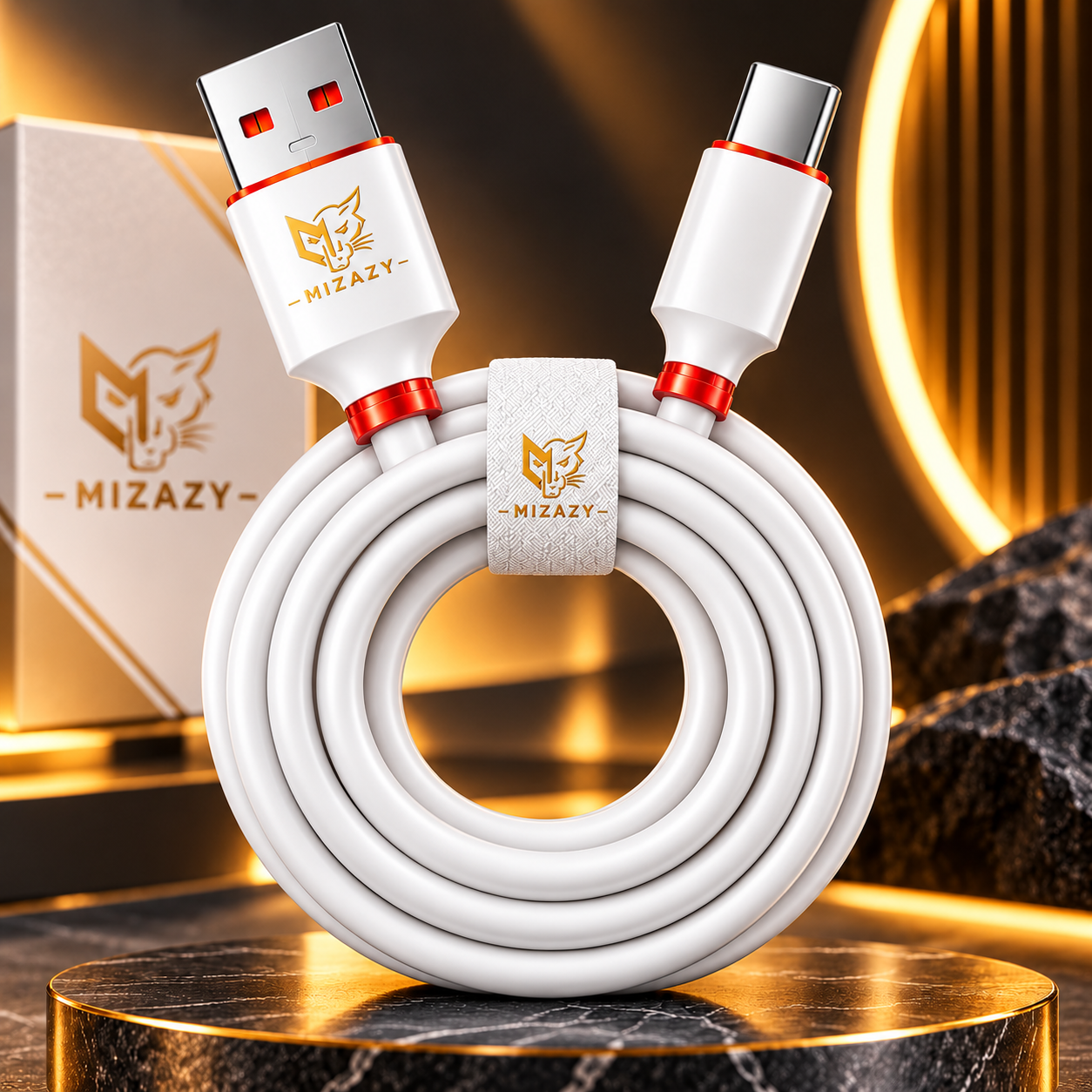
Data Cable
How to choose a data cable starts with the phone in your hand, not with the largest number on a package. The plug has to fit. After that, a mobile charging cable is also a data cable only if the page says it syncs files. Wattage, length, and the jacket come next.
This walkthrough uses the Mizazy 65W, 120W, and 140W listings as concrete examples. They are all USB-A to Type-C. They are not a promise that every phone supports every rating printed on them.
Decide the job before the brand
Write down two uses: charging at the desk, and copying photos or backups to a computer. Some leads only charge. A USB data cable should say data sync, data transfer, or a named USB standard if file copy matters to you.
If you only need a spare charger lead, you can still prefer a data cable so the same lead works on a laptop. That is a convenience choice. It does not raise the phone's charging limit.
Identify the connector on the phone
Look at the socket, not the brand name. A Type-C data cable fits a USB-C phone. It does not fit Lightning, and it does not fit older micro-USB phones. Forcing a plug is how pins bend.
The three Mizazy cables end in Type-C on the phone side. If your phone is USB-C, the phone end matches. If it is not, stop here and get the connector your phone actually has.
USB-A on the charger versus USB-C
The other end has to match the charger or the computer. USB-A is the rectangular port. USB-C is the oval port. A cable cannot convert a wish into a port you do not have.
All three Mizazy cables are USB-A to Type-C. They suit a USB-A brick or an older laptop port, paired with a USB-C phone. They do not replace a USB-C to USB-C cable for a USB-C-only charger. Check the brick before you add one to the basket.
Charging wattage as a ceiling
The number of watts is the maximum the cable page claims. Your phone may ask for less. Your charger may offer less. The lowest of those limits is the speed you get.
The 65W page prints 65W max. The 120W page prints 120W max. The 140W page prints 140W and up to 3A. Each page says real speed depends on the charger, the device, and the charging technology. Buying the highest ceiling is optional, not required, if your phone never uses it.
Data transfer standards
Read the data line separately from the watts. A fast charging data cable can still be a USB 2.0 lead. That is a normal combination, not a defect.
The 65W cable lists USB 2.0. The 120W cable lists high-speed data sync and does not give a megabit rate. The 140W cable lists up to 480Mbps. Pick the sentence that matches the copies you do. A phone backup of small photos will not show a difference you can feel. A large video folder might.
Cable length
Length is reach versus clutter. One metre is a common desk length: long enough for a bedside socket, short enough to pack. Buy a length only when the page states it.
The 120W and 140W pages both say 1 metre. The 65W page does not publish a length. Do not assume it matches the others. If a stated length is essential, use a page that prints one.
Braided and standard construction
The jacket protects the wires. A nylon braid is one listed approach. A PVC jacket is another. Neither jacket changes the wattage printed beside it.
The 140W cable lists nylon braid, reinforced connectors, and a tangle-free, knot-resistant build. The 120W cable lists a PVC jacket, metallic connectors, a tangle-free design, and over-current and over-voltage protection. The 65W cable lists a durable build for everyday charging and sync, without a braid line. Choose the description you want to rely on.
Device and charger together
A Type-C phone plus a USB-A charger is the combination these three cables serve. A Type-C phone plus a USB-C charger needs a different lead. A phone with its own proprietary block may still charge from a standard USB lead at a slower, standard rate.
None of the three boxes includes a wall adapter. The data cable category is only the cables. Keep the charger you already use, or choose an adapter whose port matches the cable end.
Buying checklist
Tick these on the product page before you pay.
- The phone end is Type-C, and your phone is Type-C.
- The charger end is USB-A, and your brick or laptop has USB-A.
- You have read 65W, 120W, or 140W as a maximum, not as your phone's speed.
- The data line is the one you need: USB 2.0, high-speed sync, or up to 480Mbps.
- Length is printed if you care about reach. 120W and 140W list 1 metre. 65W does not print a length.
- The jacket matches what you want: nylon braid on the 140W page, PVC on the 120W page.
Conclusion
The right smartphone data cable is the one whose plugs, data line, and wattage ceiling match the phone and charger you already have. Mizazy's three USB-A to Type-C listings give you those facts in different combinations.
Do not treat them as universal leads. If the connector on the charger is USB-C only, this connector pair is the wrong answer even when the wattage looks generous.
Questions
Which Mizazy cable should I buy if I only know my phone is USB-C?
USB-C on the phone is only half the match. You also need USB-A on the charger for these three cables. Then choose by the data line and the wattage ceiling you actually use.
Does the 65W cable list a length?
No. The 65W page does not publish a length. The 120W and 140W pages list 1 metre.
Will the highest wattage cable always charge faster?
No. The phone and charger can stay below the cable maximum. A higher printed wattage is a higher ceiling, not a guaranteed faster charge.